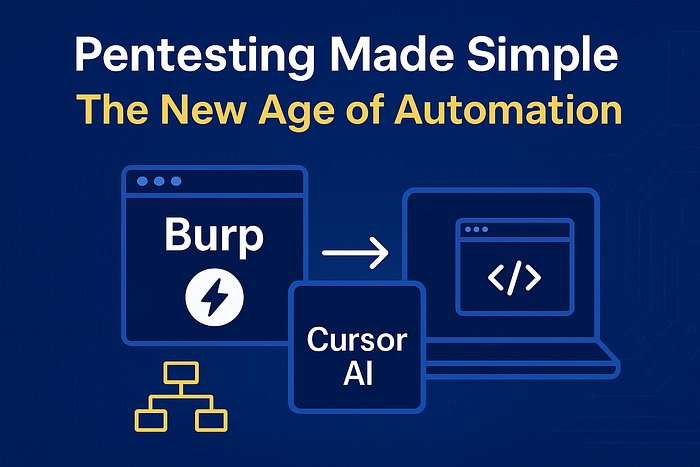

Modern penetration testing is no longer just about manually exploiting vulnerabilities. With growing application complexity and tight assessment timelines, security teams need smarter ways to automate repetitive tasks, accelerate analysis, and stay focused on high-value findings.
This is where combining Burp Suite MCP (Multi-Client Protocol) with Cursor AI becomes a powerful workflow upgrade. This guide explains what MCP is, how Cursor AI enhances Burp automation, and how to set up everything from scratch.
Why Automate Pentesting Tasks?
Even experienced security assessors deal with challenges such as:
- Constantly switching between tools
- Repeating the same manual actions
- Slow payload testing cycles
- Time-consuming documentation
- Losing focus on deep logic flaws due to routine noise
Automation doesn't replace the tester — it removes the boring, repetitive parts so the tester can focus on complex attack chains, business logic issues, and advanced exploitation.
Introducing Burp's Multi-Client Protocol (MCP)
Burp MCP (Multi-Client Protocol) allows external applications to directly control Burp Suite. Think of it as an upgraded, real-time Burp API.
What MCP Can Control
- Intercept toggle
- Repeater actions
- Intruder-style request replay
- Scanner operations
- Scope management
- Access to Burp project data
This creates a new pentesting environment where your editor — or your AI assistant — can drive Burp automatically.
How Cursor AI Complements Burp MCP
Cursor AI functions as an intelligent assistant inside your IDE. When connected to Burp through MCP, it unlocks powerful automation capabilities.
What Cursor AI Can Automate
- Modify and replay HTTP requests
- Suggest exploit payloads (XSS, SQLi, SSRF, etc.)
- Auto-scan endpoints within scope
- Summarize responses and highlight potential vulnerabilities
- Generate scripts, fuzzers, and custom tools
- Help triage Burp output quickly
- Provide context-aware recommendations
This combination reduces repetitive effort and drastically speeds up security testing without compromising accuracy.
Requirements
Before setting up the integration, ensure the following are installed:
- Burp Suite Pro (Community works with limitations)
- Burp MCP extension (from BApp Store)
- Cursor AI (Linux, Windows, macOS supported)
- A target application for testing
Step 1 — Enable MCP Server in Burp Suite
- Open Burp Suite
- Go to Extensions → BApp Store
- Search for "MCP"
- Install the extension
- Restart Burp Suite
After installation, MCP becomes available at:
http://127.0.0.1:9876/sseThis is the endpoint Cursor uses to communicate with Burp.
Step 2 — Install Cursor AI
For Linux users:
sudo dpkg -i cursor-linux-x86_64.debThen launch:
cursorWindows Installation
- Download the Windows installer (
CursorSetup.exe) - Run the installer
- Launch Cursor from the Start Menu
macOS Installation
brew install --cask cursorOr download the .dmg from the Cursor website.
After installation on any OS, open Cursor and sign in to complete the setup.
Sign in to complete setup.
Step 3 — Add Burp MCP Server Inside Cursor
Inside Cursor:
- Open File → Preferences → Cursor Settings
- Navigate to Tools & MCP
- Add a new MCP server
- Use the following configuration:
{
  "mcpServers": {
    "Burp MCP": {
      "type": "sse",
      "url": "http://127.0.0.1:9876/sse"
    }
  }
}
Save the settings and restart Cursor.
Step 4 — Restart Everything
To complete the integration:
- Restart Burp Suite
- Restart Cursor AI
Then check:
Cursor Settings → MCP
You should see:
Burp MCP: Connected
Step 5 — Start Automating Burp Through Cursor
Inside Cursor:
- Press CTRL + I to open a new AI chat
- Run commands such as:
Burp MCP: statusOr ask Cursor to:
- Toggle Intercept on/off
- Replay or modify requests
- Generate exploit payloads
- Analyze responses
If Cursor can control Burp successfully, your automation workflow is ready.
What You Can Automate Now
✔ Faster Active Recon Fetch endpoints, map parameters, generate fuzz lists.
✔ Automated Payload Testing Inject payloads, modify requests, replay via Repeater.
✔ Faster Documentation Convert Burp responses into clean summaries and professional reports.
✔ More Focus on Advanced Attacks Let automation handle repetitive testing while you perform creative exploitation.
Conclusion
Integrating Burp Suite MCP with Cursor AI transforms your pentesting workflow. It reduces manual work, boosts efficiency, and helps security professionals focus on high-impact vulnerabilities.
This automation approach doesn't replace professional testers — it enhances and accelerates their capabilities.
If your goal is AI-assisted, modern, and efficient pentesting without losing control, this setup is a game-changer.