

Over the past few months, AI-powered presentation generators have gained significant attention as professionals look for faster ways to build slide decks without spending hours formatting layouts or manually dragging and dropping shapes on PPT or Google Slides. Instead of starting from a blank slide, users can now generate structured presentations from a short prompt, outline, or document in seconds.
Platforms from companies like Google, Anthropic, and OpenAI have already introduced slide-generation capabilities within their AI chat applications, allowing users to quickly turn ideas into presentation drafts.
With this rapid growth, the number of AI presentation tools available online has also expanded dramatically. New platforms are appearing every month, each promising faster generation, better design, or smarter slide structure.
But which AI slide deck presentation tools are actually worth checking out?
In this guide, I'll share 12 tools that I believe are worth paying attention to. Let's get started.
1. Dokie AI
Dokie AI is built for professional decks that need a clear story and a classic PPT feel. Many AI slides generators can create something that looks nice, but the flow is often messy and needs heavy rework. Dokie AI focuses on practical slide structure, so you spend less time rearranging slides and more time improving the message.
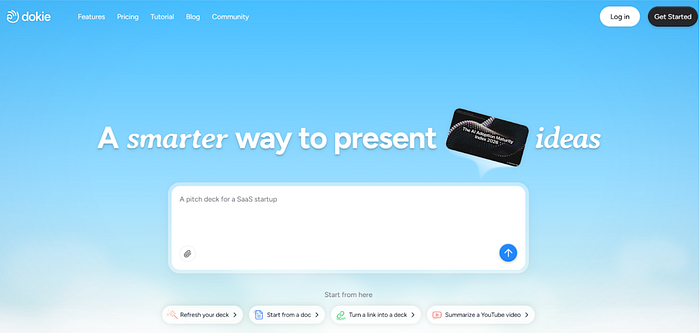
It works well for marketing reports, team updates, client decks, and internal reviews. If you want an AI PPT maker that produces "meeting-ready" drafts, Dokie AI is a top pick in 2026.
Pros
- Strong business structure and slide flow
- PPT-friendly output that's easy to edit
- Great for reports, updates, and client decks
Cons
- You still need to verify facts and numbers
- Strict brand templates may need final tweaks
2. Gamma App
Gamma is a modern AI presentation maker that feels fast and easy to share. It's great for story-driven decks, product updates, and internal presentations that you want to send as a link. Gamma's layouts often look clean with little design work, which helps teams move quickly.
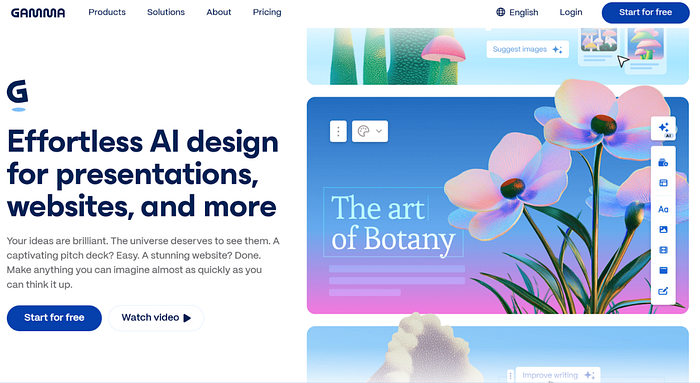
If you don't need strict PowerPoint templates and you like a web-first format, Gamma is one of the best AI slides generators for professional work.
Pros
- Modern layouts and fast drafting
- Easy online sharing and presenting
- Great for storytelling decks
Cons
- Not always ideal for classic PPT templates
- Some decks need extra structure cleanup
3. Beautiful AI
Beautiful AI is a design-first tool known for keeping slides clean automatically. Its Smart Slides system helps with spacing, alignment, and layout rules, so you don't fight formatting. It's great for leadership updates, proposals, and pitch decks where design consistency matters.
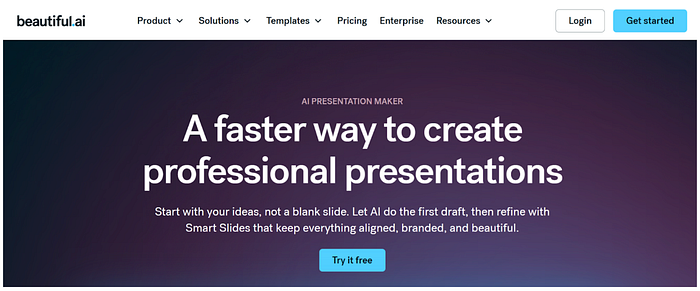
Beautiful AI also offers AI help for generating decks, but its main strength is still design stability and polished visuals.
Pros
- Strong auto layout and design consistency
- Professional-looking slides with less effort
- Great for teams that hate formatting
Cons
- Less flexible for fully custom layouts
- Content may still need rewriting for your story
4. Alai
Alai is a strong choice for professionals who revise decks a lot. Many AI PPT makers can create a draft quickly, but revisions can be painful. Alai focuses on making slide-by-slide edits easier without breaking the layout.

This fits consulting decks, strategy updates, and client proposals where feedback cycles are common. If your job involves lots of revisions, Alai can save time.
Pros
- Better for revision-heavy workflows
- Strong slide-by-slide editing control
- Helpful for polishing decks quickly
Cons
- Best results need a clear outline
- Final brand polish may still be needed
5. SlidesGPT
SlidesGPT is a simple AI slides generator that focuses on speed. If you want a quick first draft from a prompt, SlidesGPT works well. It's best for people who already know what they want to say and just want the deck created fast.
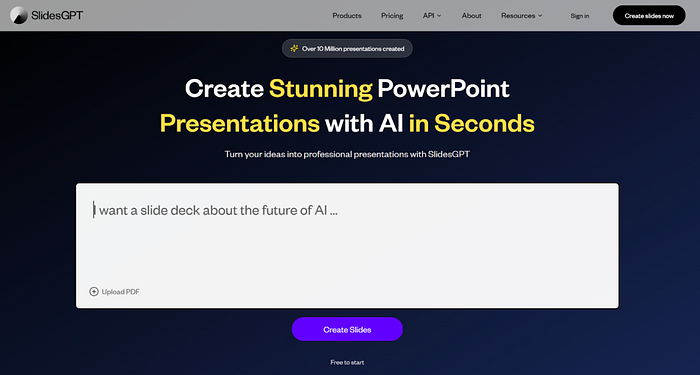
After generation, you can export and polish the deck in PowerPoint or Google Slides.
Pros
- Fast prompt-to-slides drafting
- Simple workflow for quick decks
- Easy to export and edit
Cons
- Can be generic without detailed prompts
- Design may need extra polishing for client decks
6. Plus AI
Plus AI is a workflow-friendly tool because it runs inside Google Slides and PowerPoint. That makes it a great option for teams with templates and established processes.
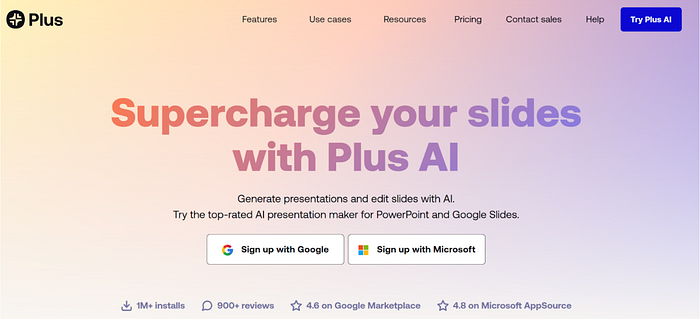
Instead of exporting between platforms, you generate and edit in the tool your team already uses. For professional decks that need collaboration and standard formats, Plus AI is a strong choice.
Pros
- Works inside Google Slides and PowerPoint
- Good for templates and team workflows
- Easy collaboration and editing
Cons
- Needs strong prompts to avoid generic output
- Some decks still need design cleanup
7. MagicSlides
MagicSlides is a Google Slides add-on that helps you generate slides inside Slides. It also supports converting content like PDFs, URLs, and videos into slides, which is useful when your deck starts from existing materials.
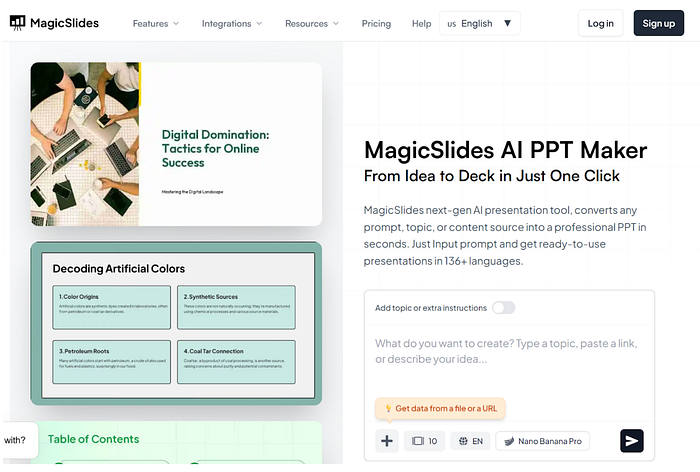
MagicSlides is great for quick drafts and internal decks, and it fits teams that already work in Google Slides.
Pros
- Works directly inside Google Slides
- Useful content conversion (PDF/URL/video)
- Great for fast drafts and training decks
Cons
- Output depends on source quality
- High-stakes decks often need polishing
8. GenPPT
GenPPT is a content-first AI PPT maker that focuses on structure and fast drafting. It works well for professional decks like project updates, market overviews, and training presentations.
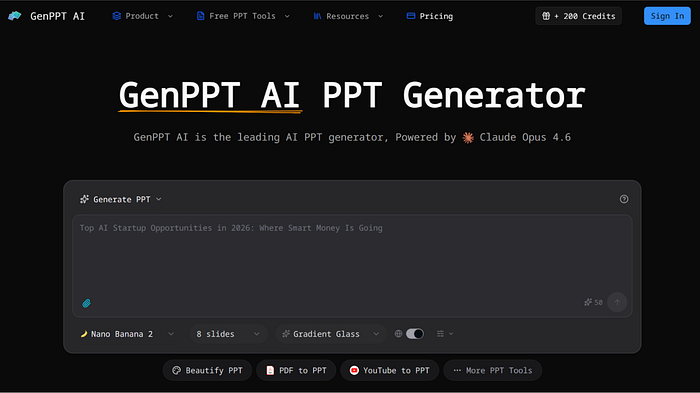
If you want a clean outline quickly and plan to polish later, GenPPT is a solid option.
Pros
- Strong outline and structure generation
- Good for standard professional decks
- Easy workflow: draft → export → polish
Cons
- Needs fact checks and real data
- Design may be basic without edits
9. Presentations AI
Presentations AI aims to create professional decks with more visual structure than simple bullet slides. It can be helpful for timelines, planning decks, and structured business presentations.
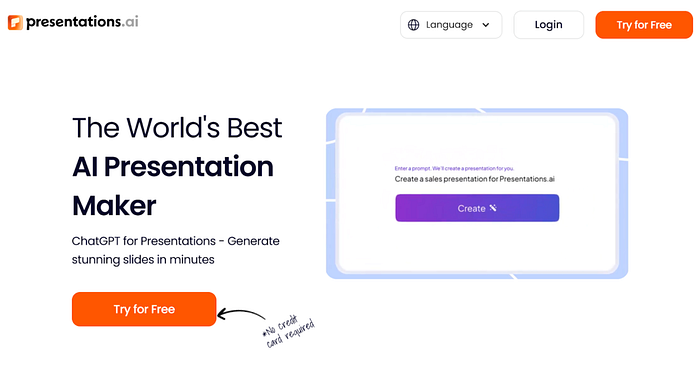
If you want something that feels "presentation-ready" fast, it's worth testing, especially with clear prompts.
Pros
- Strong for structured visuals (plans, timelines)
- Good for quick business deck drafts
- Modern, deck-first feel
Cons
- Still needs edits for exact messaging
- Final brand polish may be needed
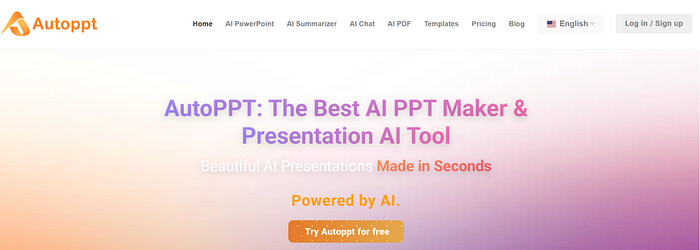
10. AutoPPT
AutoPPT is useful if you start from documents. It supports file-to-slides workflows, which can save time when converting PDFs or docs into a deck. It's best for first drafts, followed by trimming and polishing for professional use.
Pros
- Strong for document-to-slides workflows
- Fast drafts from existing content
- Useful for internal decks and training slides
Cons
- Slides can be text-heavy
- Design may need extra polish
11. Presenti AI
Presenti AI is a template-first AI presentation maker that helps create clean decks quickly. It supports file import workflows and focuses on simple, consistent design.
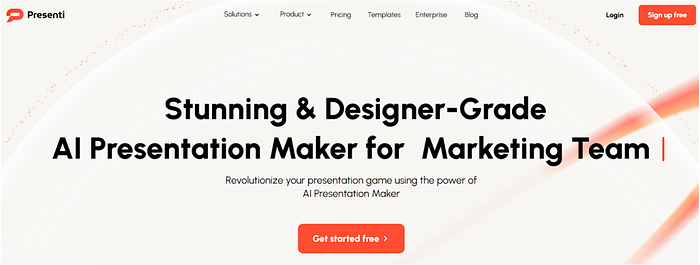
Presenti AI is best for professionals who want speed and simplicity for internal decks and basic business presentations.
Pros
- Simple workflow and clean templates
- Helpful file import support
- Good for quick internal decks
Cons
- Template-first style can feel less unique
- May need extra polish for client decks
12. SmallPPT
SmallPPT is a strong tool for visual-heavy professional decks, especially for marketing teams. It offers a huge template library, easy editing, and AI tools for presentation drafting.
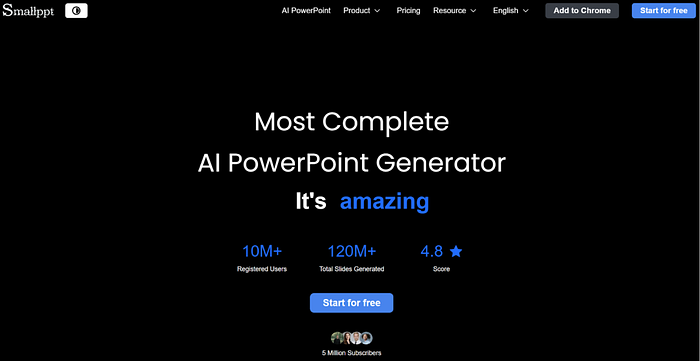
SmallPPT is best when you want simple brand controls and quick design. For strict PPT workflows, you may still export and finish in PowerPoint.
Pros
- Huge template library and easy editing
- Great for visual marketing decks
- Strong brand controls
Cons
- Structure may need manual work
- Not always ideal for classic PPT reporting decks
Alright, that's about it. I hope you find this list helpful and if you know similar tools that are not on this list, let me know in the comments!

This story is published on Generative AI. Connect with us on LinkedIn and follow Zeniteq to stay in the loop with the latest AI stories.
Subscribe to our newsletter and YouTube channel to stay updated with the latest news and updates on generative AI. Let's shape the future of AI together!
